1 / 1
A gray canvas comparing a command palette and a modal side by side, with shadow only before and shadow plus border after.
 1/4
Tactile UI Components — Text Formatting Toolbar and Status Badges
 @jaydwivedi_

Keyboard Shortcuts Sheet Modal with Grouped List and Search Filter
 @faizalsukaimi

Client Portal Comment Thread Panel in Light and Dark Modes
@faizalsukaimi
Analytics Metric Detail Sheet in Light and Dark Modes
@faizalsukaimi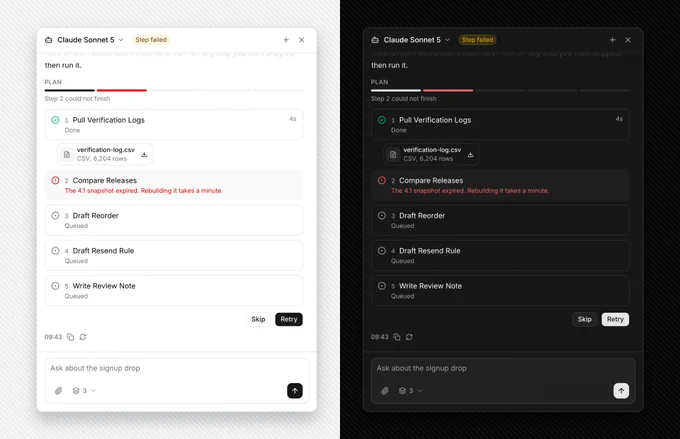
AI Agent Side Panel with Failed Step Retry and Skip Plan
@faizalsukaimi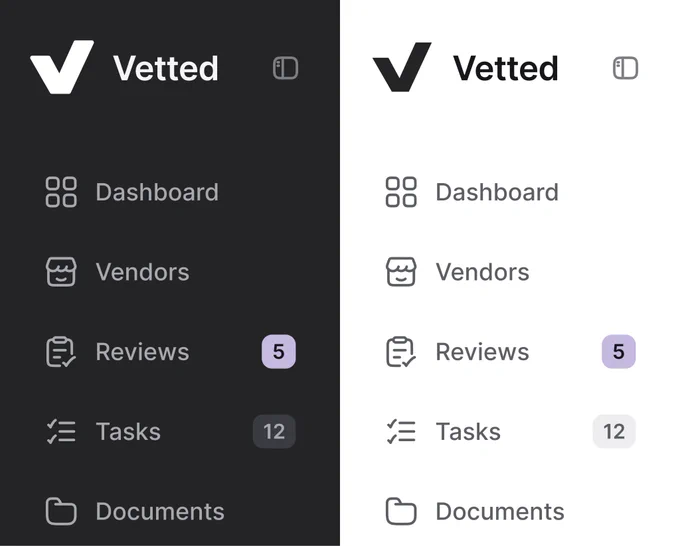
Sidebar Navigation Compared in Dark and Light Modes
 @nizamdesign