1 / 1
A dark mode component documentation screen. The left sidebar lists table variants while the main pane previews a payments table with status badges, avatars, filter tabs, a total row and pagination.
 1/4
Tactile UI Components — Text Formatting Toolbar and Status Badges
 @jaydwivedi_

Keyboard Shortcuts Sheet Modal with Grouped List and Search Filter
 @faizalsukaimi

Client Portal Comment Thread Panel in Light and Dark Modes
@faizalsukaimi
Analytics Metric Detail Sheet in Light and Dark Modes
@faizalsukaimi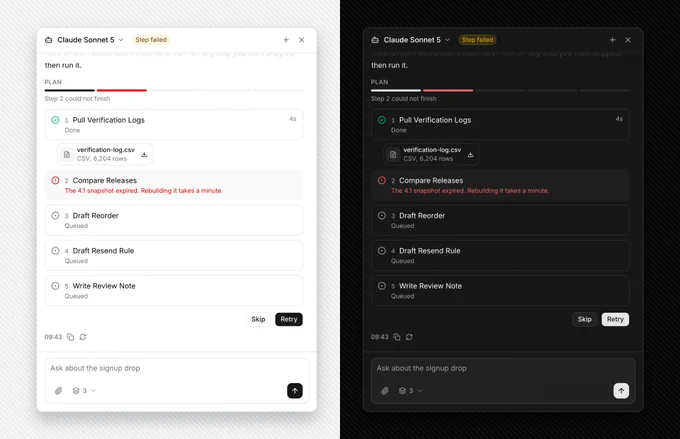
AI Agent Side Panel with Failed Step Retry and Skip Plan
@faizalsukaimi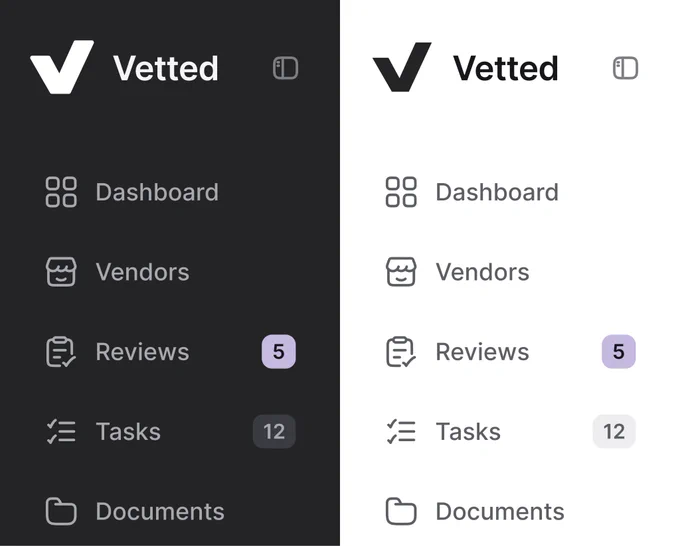
Sidebar Navigation Compared in Dark and Light Modes
 @nizamdesign